Venue
At the venue
- Cameras and audio into an SRT encoder
- Stream Decks on the desk
- SDI out from an NDI Bridge
Uplinkyour own connectivity
CLOUDflex Studio
Deploy the machines, route SRT and NDI, share feeds with producers, and give every operator their own login. vMix, Vectar, and Carbonite run the way your crew knows them.
Applications


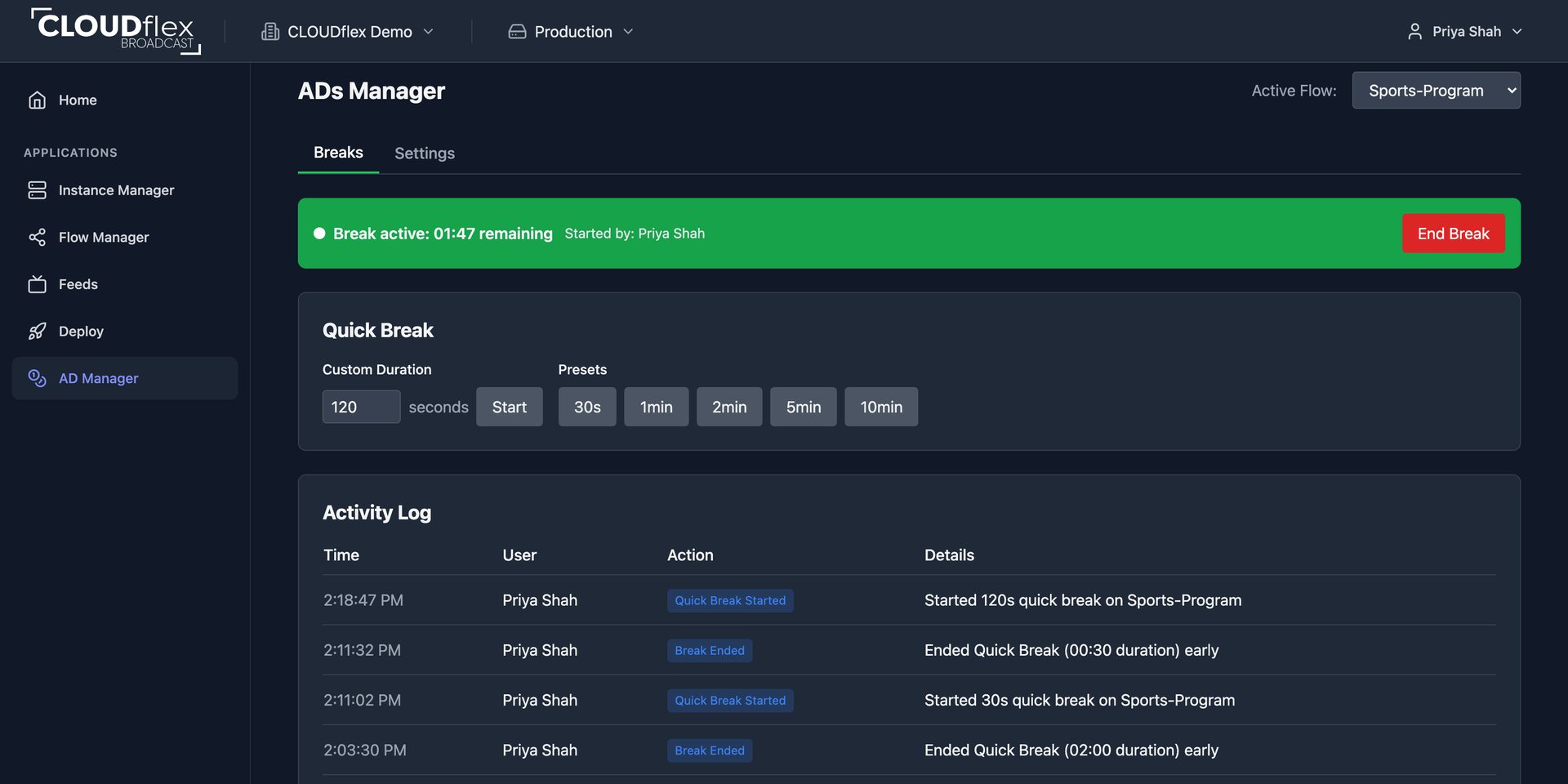
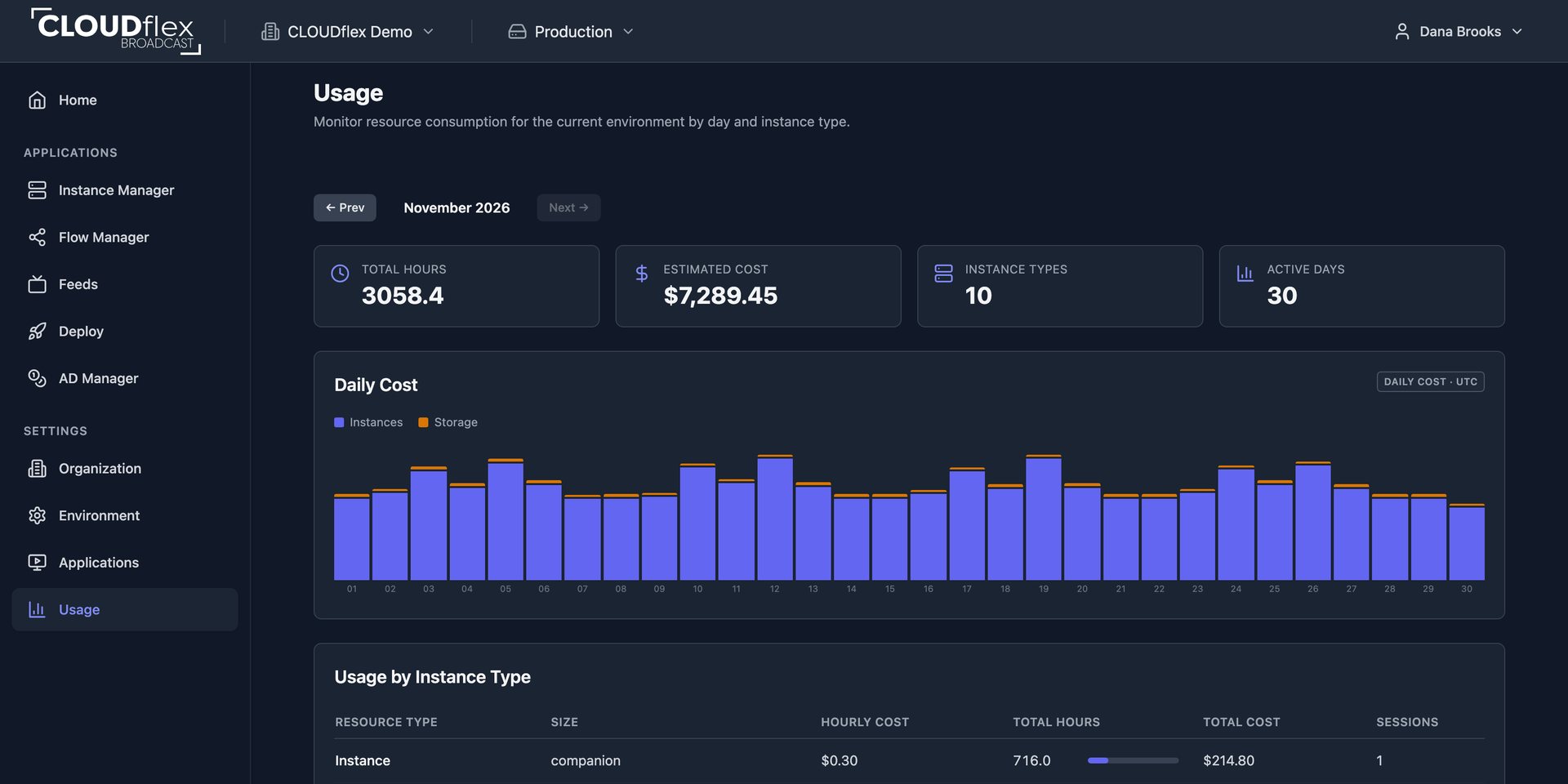
Signal path
SRT carries video over the internet, and NDI moves it between machines in the cloud. The venue needs an uplink and encoders. Everything else runs in the environment.
Venue
Uplinkyour own connectivity
CLOUDflex environment
Between machinesNDI
Destinations
Ad breaksAD Manager
The key and fill signals are rendered on a GPU machine in AWS, sent out with NDI Bridge, and brought to the venue as SDI over cloud transport. The production stays at the venue. Watch the workflow
Skip the build. In a 30-minute demo, we open your switcher on a cloud machine with you.
Book a demoDeployment models
You get the same Studio in every case. Full pricing
It runs in CLOUDflex's AWS account. We run the cloud, and you never log into AWS.
It runs in your own AWS account. You get the same Studio as on Managed.
It combines your venue with the cloud. Cameras and audio go up over SRT.
It will run on your own hardware. It keeps the same interface, with on-premises compute.
Access and security
“Logging in is so simple. I just click once, and have access to my vMix machine for the day.”
Dave TrautvMix operator, independent contractor
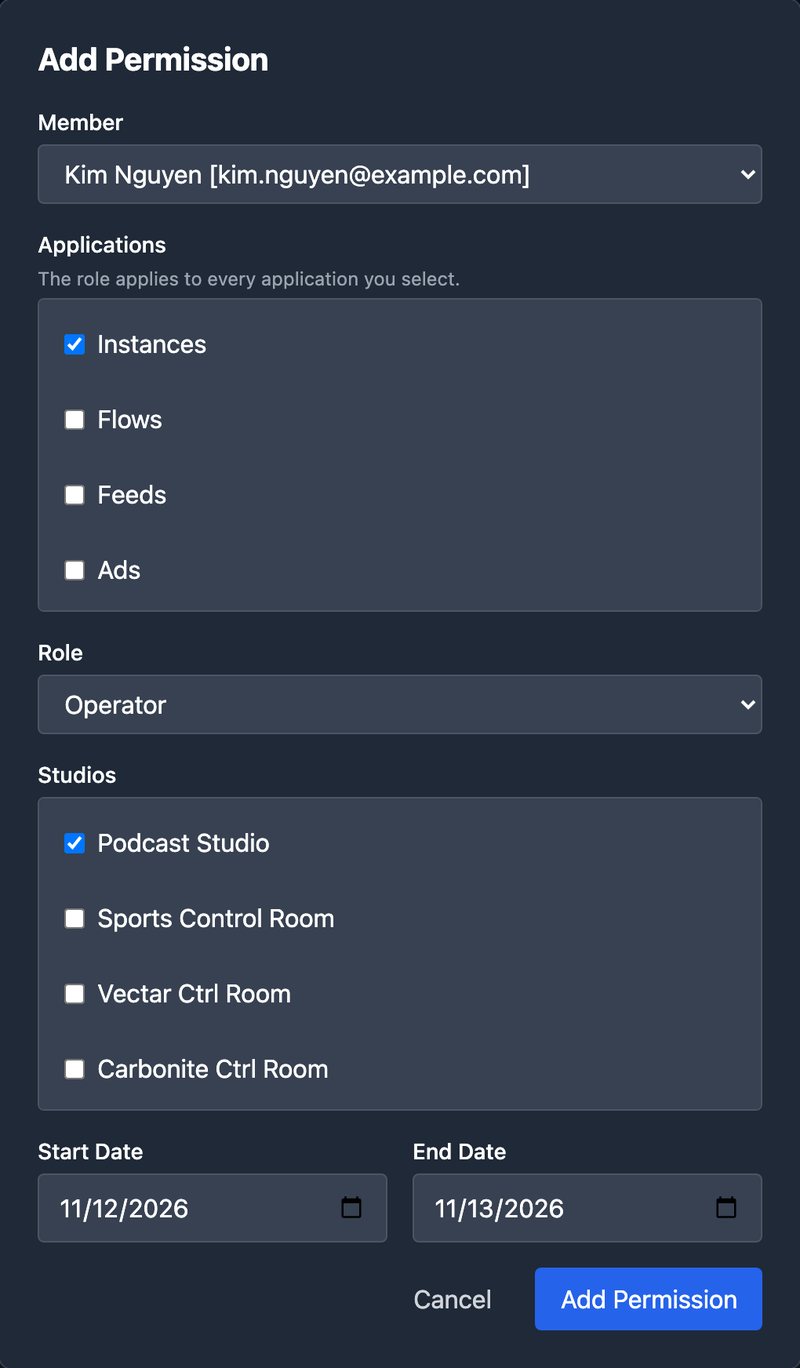
Give a freelancer the show dates. Their access stops after the last day, with nobody needing to revoke it.
Each login gets the applications and studios you grant, as operator or engineer.
A machine link shared outside CLOUDflex does not connect. People sign in through CLOUDflex first.
Every customer runs in their own virtual private cloud (VPC), with their own VPN and machines. Little is shared between customers.
In your AWS account we work with an access key that has a limited permission set, not admin rights.
If the CLOUDflex control plane goes down, running productions carry on. Only new logins wait.
Book a demo
We open Instance Manager, Flow Manager, and Feeds on a running environment.
Tell us about your productions. We’ll show you how to run them on CLOUDflex.
Or write to info@cloudflexbroadcast.com.
