“As we scaled from a few shows to a full pipeline, no one has logged into AWS once. It made onboarding and offboarding easy, letting our team focus on production instead of infrastructure.”

Chris RussoPresident, Radar Entertainment Group
Use cases · 02
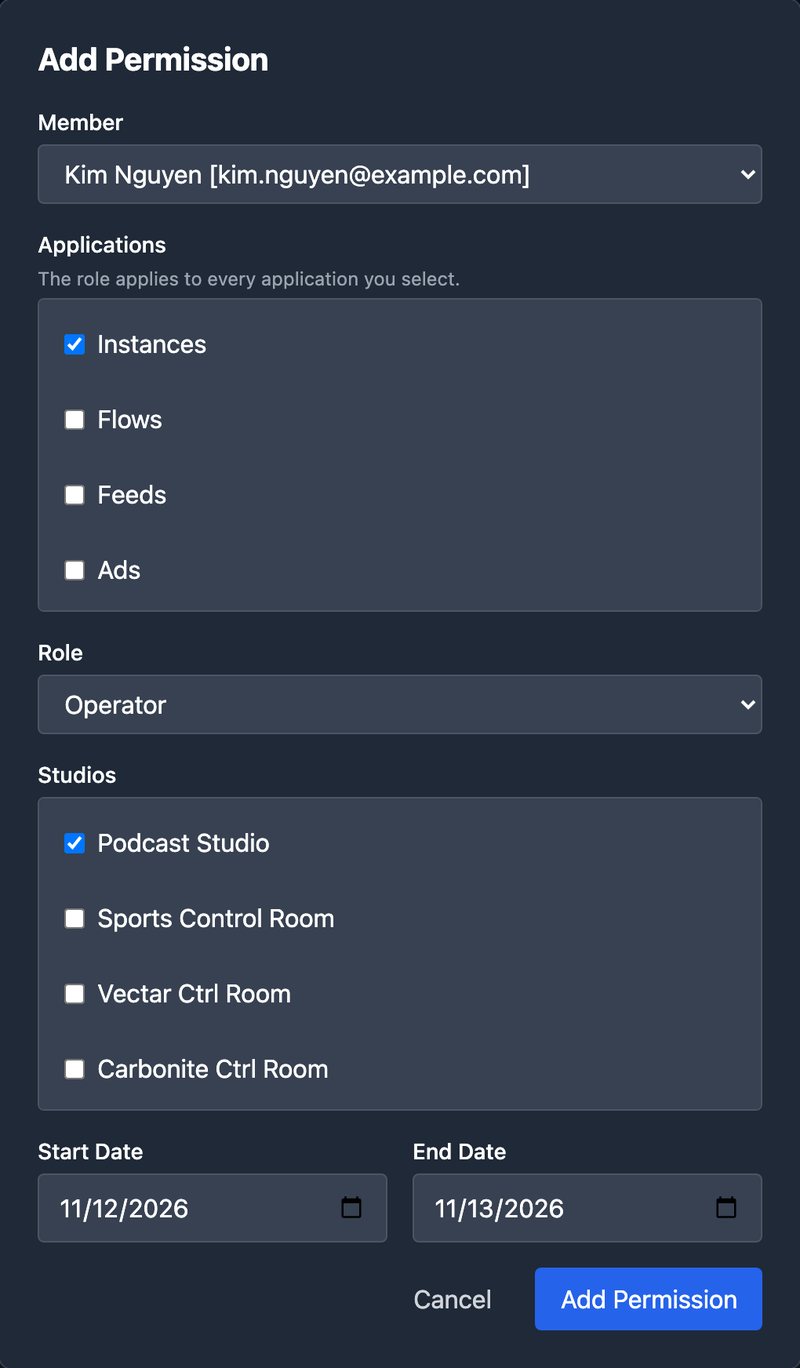
A different crew works every show. Each operator gets their own login for the dates of the show, and their access ends on its own afterward.
Runsa studio per client · time-bound access · no per-user charge
Signal path
Nobody shares a password and nobody logs into AWS.
How it works
Machines, feeds, and permissions for one production sit in one studio. Freelancers only see the studio they were invited to.
Invite each operator by email with a role, an application, and a start and end date. Access ends on its own, and a platform outage never ends a running session.
Invite as many operators as the show needs. You pay for machines while they run, not for seats.
Operators click once to open their machine in the browser or the Amazon DCV client. Nobody logs into AWS.
“As we scaled from a few shows to a full pipeline, no one has logged into AWS once. It made onboarding and offboarding easy, letting our team focus on production instead of infrastructure.”
Other use cases
Book a demo
We set up this use case on the call and price your version of it.